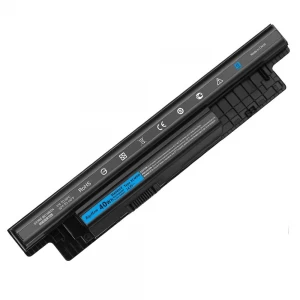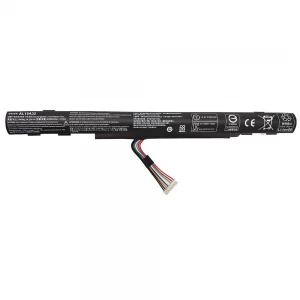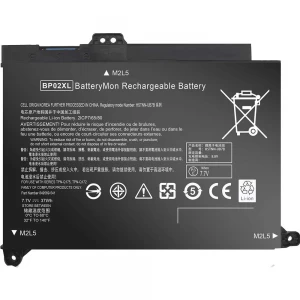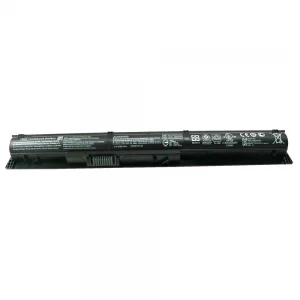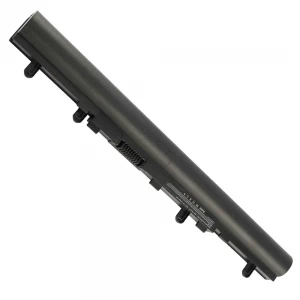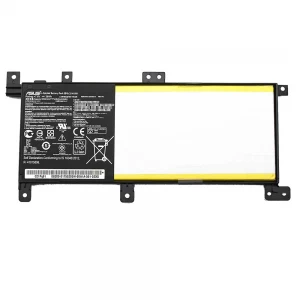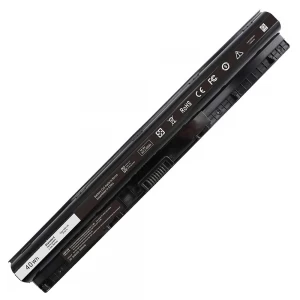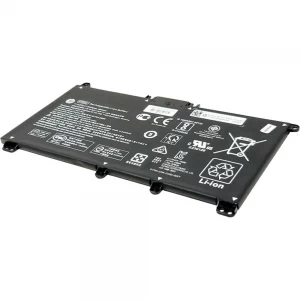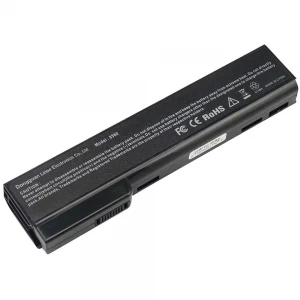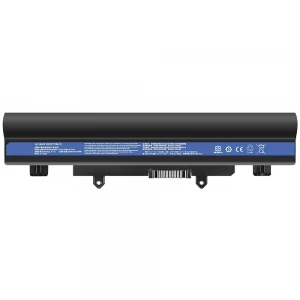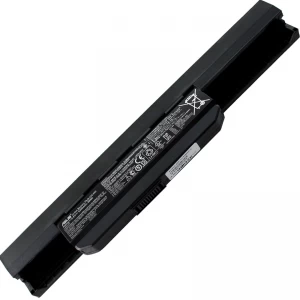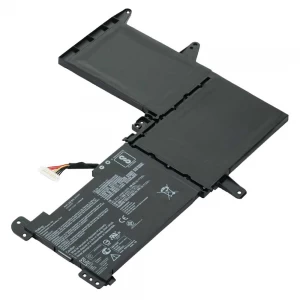
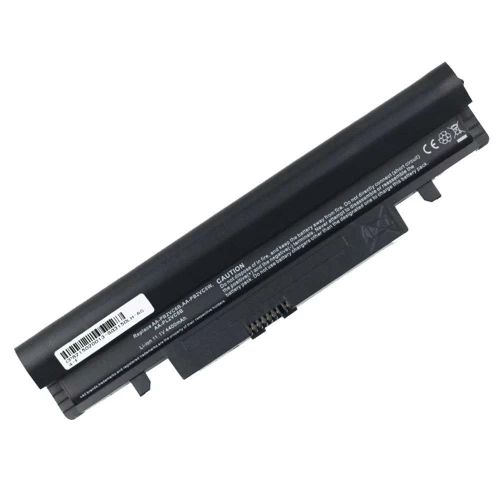
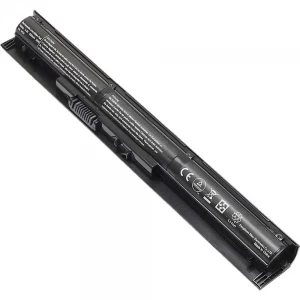
AA-PB2VC6W Battery For Samsung C210B N150 N143 N143P N143 Plus N145P N145 Plus N148 N148P N148 Plus N150 N150P Series

N.B. Image may differ with actual product's layout, color, size & dimension. No claim will be accepted for image mismatch.

AA-PB2VC6W Battery For Samsung C210B N150 N143 N143P N143 Plus N145P N145 Plus N148 N148P N148 Plus N150 N150P Series

Product Id: 02.06.0002

Regular Price  2,000
Special Price  1,800

Quick Overview

AA-PB2VC6W Battery For Samsung C210B N150 N143 N143P N143 Plus N145P N145 Plus N148 N148P N148 Plus N150 N150P Series
Brand
Samsung
Model
Samsung C210B N150 N143 N143P N143 Plus N145P N145 Plus N148 N148P N148 Plus N150 N150P Series
Battery Type
Lithium-Ion
Cells
6 Cells
Battery Capacity
4400mAh
Product Part No
AA-PL2VC6W AA-PB3VC3B AA-PL2VC6W/E AA-PL2VC6B AA-PB3VC6B AA-PB2VC6W AA-PB3VC6B/E
Voltage
11.1V
Color
Black
Compatible With
Samsung C210B N150 N143 N143P N143 Plus N145P N145 Plus N148 N148P N148 Plus N150 N150P Series
Product Condition
Brand New
Warranty
6 Months (180 Days)
Made in/ Assemble
China

Details

Brand - Samsung, Model - Samsung C210B N150 N143 N143P N143 Plus N145P N145 Plus N148 N148P N148 Plus N150 N150P Series, Compatible With - Samsung C210B N150 N143 N143P N143 Plus N145P N145 Plus N148 N148P N148 Plus N150 N150P Series, Battery Type - Lithium-Ion, Part No - AA-PL2VC6W AA-PB3VC3B AA-PL2VC6W/E AA-PL2VC6B AA-PB3VC6B AA-PB2VC6W AA-PB3VC6B/E, Cells - 6 Cells, Capacity. - 4400mAh, Voltage - 11.1V, Color - Black, Product Condition - Brand New & Compatible, Made in/ Assemble - China, Warranty - 6 months (180 Days)

🔋 Laptop Battery Buying Guide

Laptop batteries don’t last forever. Over time, they lose power and performance. Knowing when to replace your battery and how to choose the right one can help you avoid problems and keep your laptop running smoothly.

🔍 When should you replace your laptop battery?

  • Battery drains very fast
  • Takes too long to fully charge
  • Laptop shuts down suddenly without charger
  • Battery gets swollen or overheated
  • Shows “Plugged in, not charging” issue

🛒 What to check before buying a new battery

  • Model Compatibility: Make sure the battery matches your exact laptop model
  • Voltage & Capacity: Choose the same Voltage (V) and Capacity (mAh/Wh) as the original battery
  • Quality: Go for OEM or high-quality batteries for better performance

⚠️ Why choosing the right battery is important

A low-quality battery can damage your laptop and may cause safety risks.
🔋 Laptop Battery Care Tips for Long-Lasting Performance

  • First Charge Properly: Fully charge the new battery before first use
  • Avoid Full Drain: Try not to let the battery drop to 0% frequently
  • Keep Charge Between 20%–80%: This helps increase battery lifespan
  • Use Original Charger: Always use the recommended charger for safe charging
  • Avoid Overheating: Keep your laptop in a cool and ventilated place
  • Unplug After Full Charge (if needed): Don’t keep it plugged in all the time
  • Regular Use: Use the battery regularly to keep it active

💡 Extra Tips

  • If your laptop heats up while charging, get it checked
  • Keep an eye on battery health regularly

Your review

Your Question