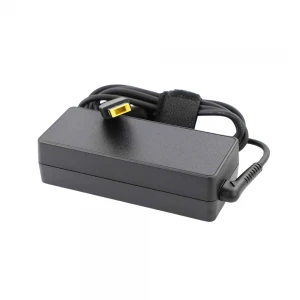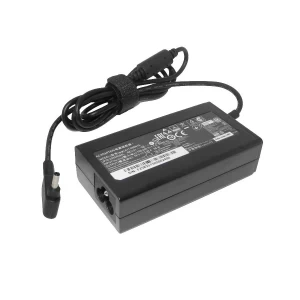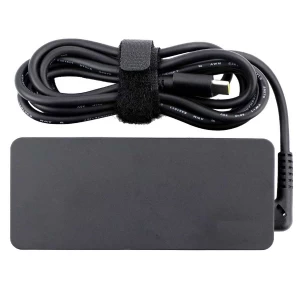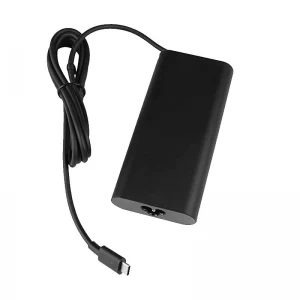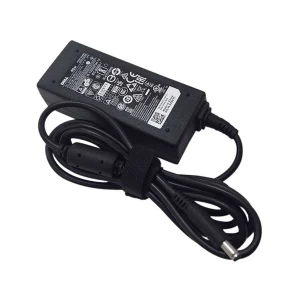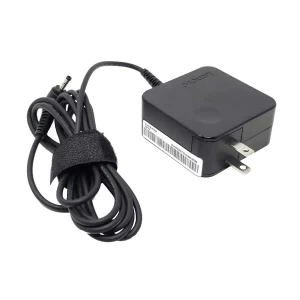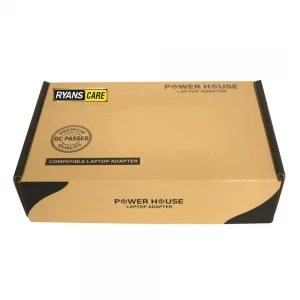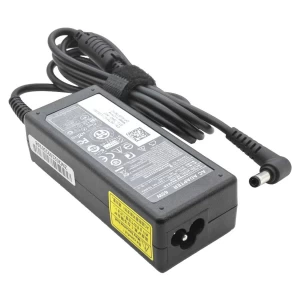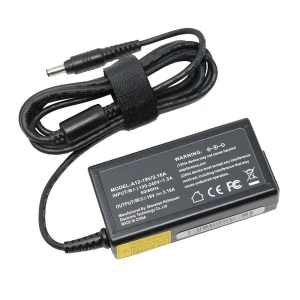
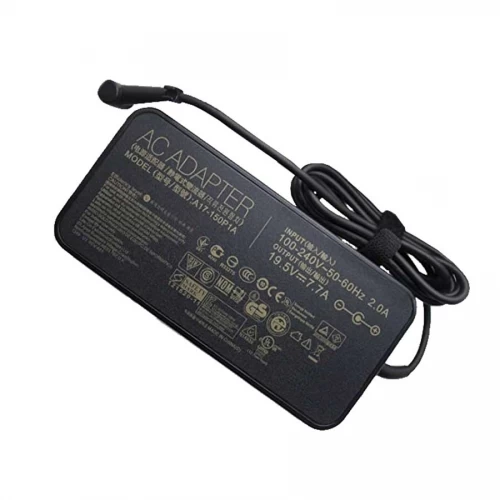
Asus 19.5V 7.7A 150W* (5.5x2.5mm) Laptop Adapter

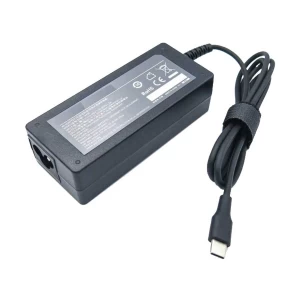
N.B. Image may differ with actual product's layout, color, size & dimension. No claim will be accepted for image mismatch.

Asus 19.5V 7.7A 150W* (5.5x2.5mm) Laptop Adapter

Product Id: 04.05.0027

Regular Price  6,500
Special Price  6,000

Quick Overview

Asus 19.5V 7.7A 150W* (5.5x2.5mm) Laptop Adapter
Brand
Asus
Model
Asus 19.5V 7.7A
AC Input
100V – 240V~0.6A
DC Output
7.7A
Voltage
19V
Watt
150W
DC Cable Length
1.5 Meter
DC Connector Type
General port
DC Connector Size
5,50/2,50 mm
Operating Frequency
50 to 60 Hz
Compatible With
Asus ROG G73GX GL503G G72GX G53J G75VX G75VW G73JW FX80G FX50GE N71Y N73SV Series
Color
Black
Ac Power Cable with Adapter
No
Product Condition
Brand New
Made in/ Assemble
China
Warranty
1 Year (365 Days)

Details

Brand - Asus, Model - Asus 19.5V 7.7A, DC Connector Size - 5,50/2,50 mm, Compatible With - Asus ROG G73GX GL503G G72GX G53J G75VX G75VW G73JW FX80G FX50GE N71Y N73SV Series, Voltage - 19V, AC Input - 100V – 240V~0.6A, Dc Output - 7.7A, Operating Frequency - 50 to 60 Hz, DC Cable Length - 1.5 Meter, Color - Black, Product Condition - Brand New & Original, Made in/ Assemble - China, Warranty - 1 Year (365 days)

⚡ Laptop Adapter Buying Guide

Laptop adapters are very important for safe and stable charging. A good adapter keeps your laptop protected and ensures smooth performance. Choosing the right adapter helps avoid charging issues and hardware damage.

🔍 When should you replace your laptop adapter?

  • Laptop is not charging properly
  • Charging stops and starts again
  • Adapter gets very hot quickly
  • Cable or pin is damaged or broken
  • Laptop shows “Plugged in, not charging” issue
  • Charging light flickers or doesn’t turn on

🛒 What to check before buying a new adapter

  • Model Compatibility: Make sure it matches your laptop model
  • Voltage & Wattage: Always match the original adapter’s V and W rating
  • Connector Type: Check the charging pin size carefully
  • Quality: Choose OEM or high-quality adapters for safety and durability
  • Warranty: Prefer adapters with warranty support

⚠️ Why choosing the right adapter is important

A wrong or low-quality adapter can damage your laptop motherboard, battery, and other internal parts.
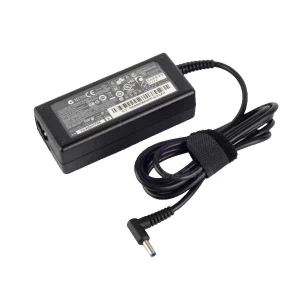
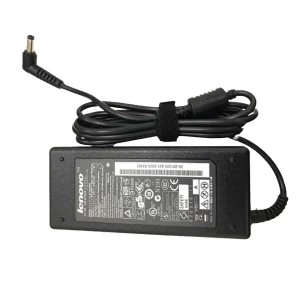
🔌 Laptop Adapter Care Tips for Long-Lasting Use

  • Avoid bending or twisting the cable
  • Don’t pull the cable from the wire always unplug from the head
  • Keep the adapter in a cool and dry place
  • Avoid using it on unstable power sockets
  • Unplug when not in use for long time
  • Use a surge protector for extra safety
  • Don’t cover the adapter while charging (prevents overheating)

💡 Extra Tips

  • If your adapter heats up too much, stop using it and check immediately
  • Regularly check for cable damage or loose connection

Your review

Your Question