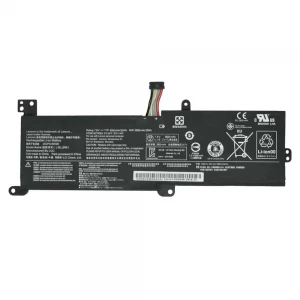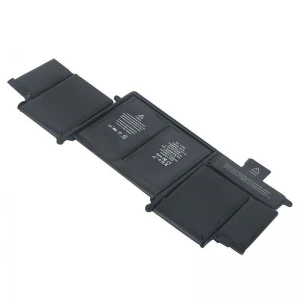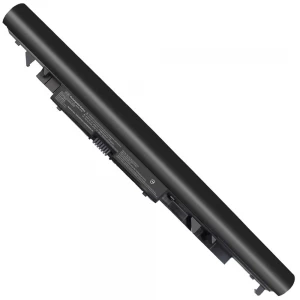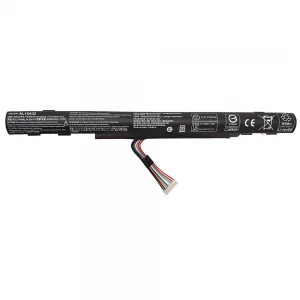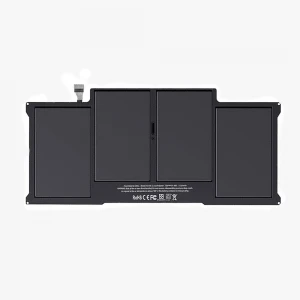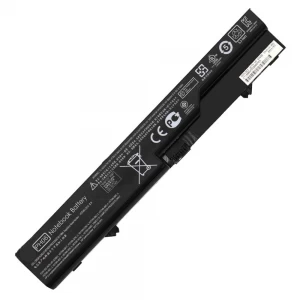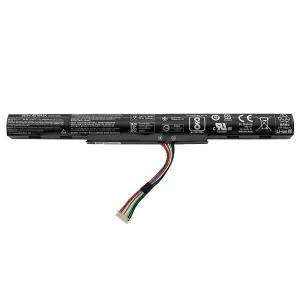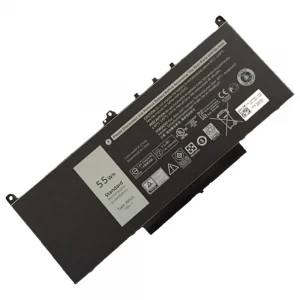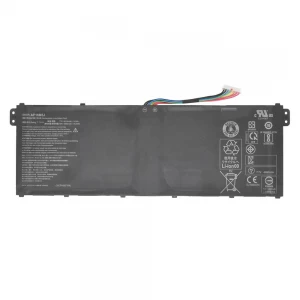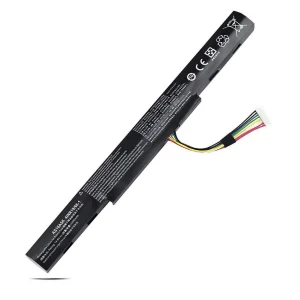

C21N1638 Battery For Asus A442 A480 X442 X442UR X442UQ X442UN F442U Series

N.B. Image may differ with actual product's layout, color, size & dimension. No claim will be accepted for image mismatch.

C21N1638 Battery For Asus A442 A480 X442 X442UR X442UQ X442UN F442U Series

Product Id: 02.05.0069

Regular Price  5,000
Special Price  4,700

Quick Overview

C21N1638 Battery For Asus A442 A480 X442 X442UR X442UQ X442UN F442U Series
Brand
Asus
Model
Asus A442 A480 X442 X442UR X442UQ X442UN F442U Series
Battery Type
Lithium-Ion
Cells
4 Cells
Battery Capacity
38Wh 5000 mAh
Product Part No
C21N1638 0B200-02630000
Voltage
7.7V
Color
Black
Compatible With
Asus VivoBook A442 A442U A442UA A442UF A442UQ A442UR Asus VivoBook A480 A480U Asus VivoBook X442 X442U X442UA X442UF X442UQ
Product Condition
Brand New
Warranty
6 Months (180 Days)
Made in/ Assemble
China

Details

Brand - Asus, Model - Asus A442 A480 X442 X442UR X442UQ X442UN F442U Series, Compatible With - Asus A480U A480UF F442U F442UR R419 R419U R419UR X442UQ X442UF Series, Battery Type - Lithium-Ion, Part No - C21N1638 0B200-02630000, Cells - 4 Cells, Capacity. - 38Wh 5000 mAh, Voltage - 7.7V, Color - Black, Product Condition - Brand New & Original, Made in/ Assemble - China, Warranty - 6 months (180 Days)

🔋 Laptop Battery Buying Guide

Laptop batteries don’t last forever. Over time, they lose power and performance. Knowing when to replace your battery and how to choose the right one can help you avoid problems and keep your laptop running smoothly.

🔍 When should you replace your laptop battery?

  • Battery drains very fast
  • Takes too long to fully charge
  • Laptop shuts down suddenly without charger
  • Battery gets swollen or overheated
  • Shows “Plugged in, not charging” issue

🛒 What to check before buying a new battery

  • Model Compatibility: Make sure the battery matches your exact laptop model
  • Voltage & Capacity: Choose the same Voltage (V) and Capacity (mAh/Wh) as the original battery
  • Quality: Go for OEM or high-quality batteries for better performance

⚠️ Why choosing the right battery is important

A low-quality battery can damage your laptop and may cause safety risks.

🔋 Laptop Battery Care Tips for Long-Lasting Performance

  • First Charge Properly: Fully charge the new battery before first use
  • Avoid Full Drain: Try not to let the battery drop to 0% frequently
  • Keep Charge Between 20%–80%: This helps increase battery lifespan
  • Use Original Charger: Always use the recommended charger for safe charging
  • Avoid Overheating: Keep your laptop in a cool and ventilated place
  • Unplug After Full Charge (if needed): Don’t keep it plugged in all the time
  • Regular Use: Use the battery regularly to keep it active

💡 Extra Tips

  • If your laptop heats up while charging, get it checked
  • Keep an eye on battery health regularly

Your review

Your Question