
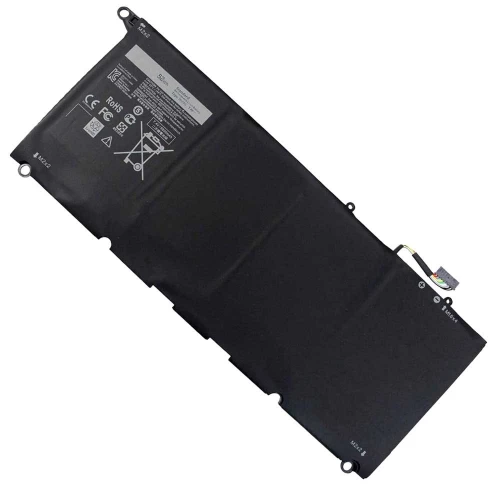

N.B. Image may differ with actual product's layout, color, size & dimension. No claim will be accepted for image mismatch.

Product Id: 02.03.0060
Quick Overview
JD25G 90V7W Battery For Dell XPS 13-9350 13-9343 13D-9343 Series
Brand - Dell, Model - Dell XPS 13-9343 13-9350 13D-9343 Series, Compatible With - Dell XPS 13-9343 13-9350 13D-9343 Series, Battery Type - Lithium-Ion, Part No - 90V7W 5K9CP DIN02 JD25G RWT1R 0DRRP 0N7T6 JHXPY, Cells - 4 Cells, Capacity. - 52Wh 6930mAh, Voltage - 7.4V, Color - Black, Product Condition - Brand New & Original, Made in/ Assemble - China, Warranty - 6 months (180 Days)
Laptop batteries don’t last forever. Over time, they lose power and performance. Knowing when to replace your battery and how to choose the right one can help you avoid problems and keep your laptop running smoothly.
A low-quality battery can damage your laptop and may cause safety risks.
Ryans Care © 2026 All Rights Reserved. Designed by Ryans Care Ltd.
